Robertson AV
Call Sales & Quotes 800-919-6548

Public spaces

Digital signage systems

Signage endpoints run for long hours in public spaces, so the procurement checklist differs from a meeting room: rated operating hours, brightness for the ambient light, a media player your content platform supports and mounting suited to the location.

Define one or two standard endpoint types, confirm them on spec sheets, then quote by quantity and site.

Typical system components

Each line below is one entry on the bill of materials. Confirm the listed points on the manufacturer spec sheet for every model you shortlist.

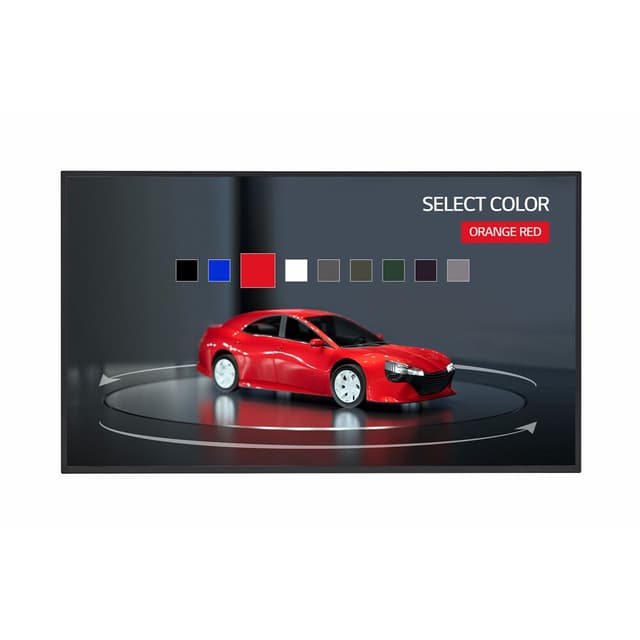
Commercial signage displays

Panels rated for extended daily operation, indoor or outdoor.

Check on the spec sheet

  • Rated operating hours per day
  • Brightness for the ambient light
  • Portrait or landscape support
  • Built-in player or external input
Browse all commercial signage displays

Media players

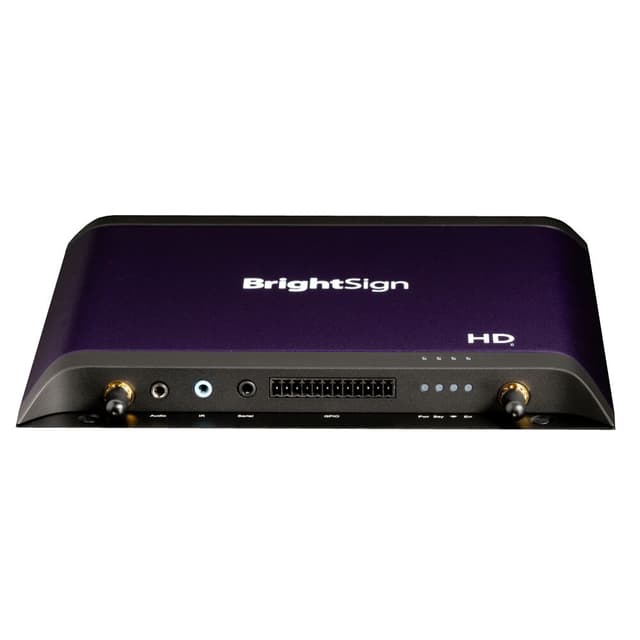
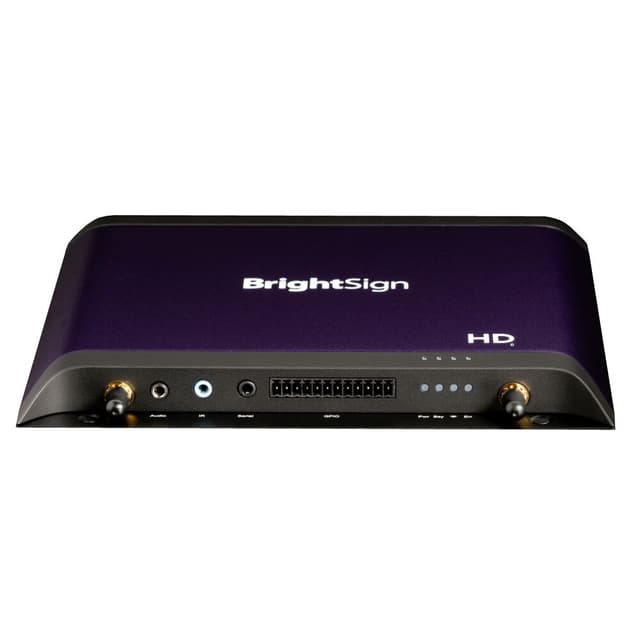
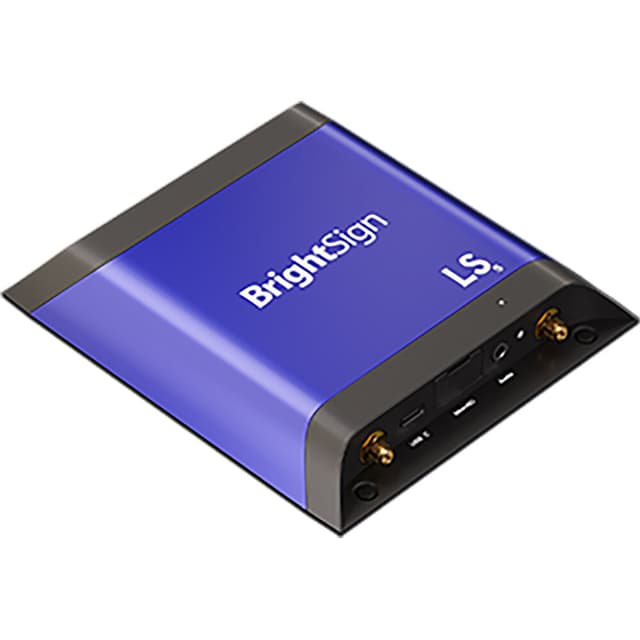
Plays scheduled content when the display has no built-in player.

Check on the spec sheet

  • Compatibility with your content management platform
  • Output resolution
  • Storage and network connection
  • Remote management
Browse all media players

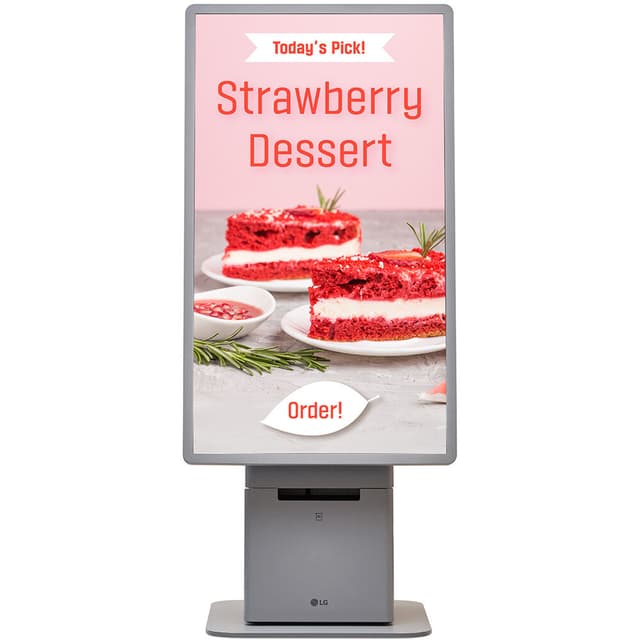
Touch screens & kiosks

Interactive wayfinding, directories and self-service.

Check on the spec sheet

  • Touch technology and points of touch
  • Enclosure or kiosk form factor
  • Accessibility mounting height
  • Integrated or separate PC
Browse all touch screens & kiosks

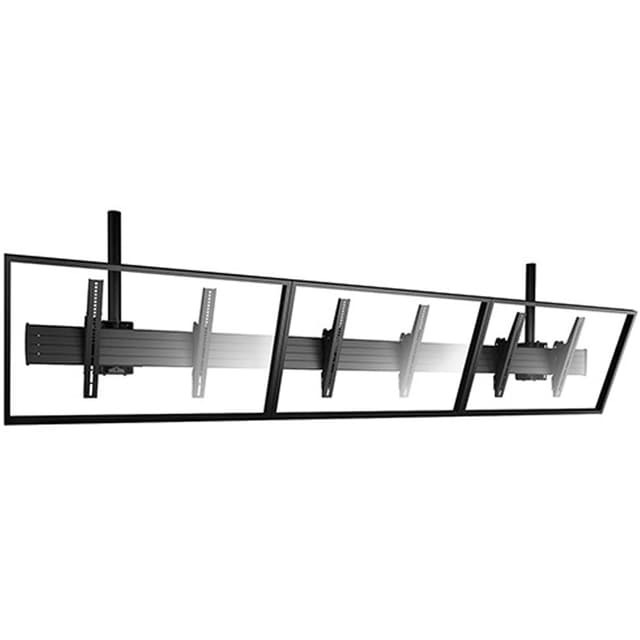
Signage & menu board mounts

Wall, ceiling and menu-board hardware for single or multiple screens.

Check on the spec sheet

  • VESA pattern and weight rating
  • Orientation and screen spacing
  • Ceiling or wall structure
  • Service access to players and cabling
Browse all signage & menu board mounts

Frequently asked questions

Can I use a consumer TV for digital signage?

Consumer TVs are generally not rated for long daily runtimes, and their warranty terms may not cover commercial use. Commercial displays list rated operating hours, orientation support and control ports on the spec sheet; check those against how the screen will be used.

Do I need a separate media player?

Many commercial displays include a built-in player or system-on-chip. A separate player is common when your content platform requires specific hardware or when you need more processing. Confirm platform compatibility before choosing either.

How bright does a signage display need to be?

Indoor screens away from windows can use standard commercial brightness. Screens facing windows or outdoors need much higher brightness and may need weather-rated enclosures. Use the manufacturer brightness rating in nits to compare models.

What should a signage rollout quote include?

List each endpoint type with its display, player and mount, the quantity per site and the delivery locations. Note any outdoor or high-brightness positions separately, since they usually need different models.

Ready to price this system?

Send the room count, your component list or model numbers, quantities and delivery timing. Ask for lead times and availability to be confirmed on the written quote.

Request a quote for this system

Questions first? Call 800-919-6548 or email orders@robertsonav.com